
Track your child's
eye growth & myopia management.
Log axial length measurements from every clinic visit, visualise growth against ethnicity-matched percentile curves, and understand the real-world impact of myopia management treatments — all in one place.
New? See our step-by-step getting started guide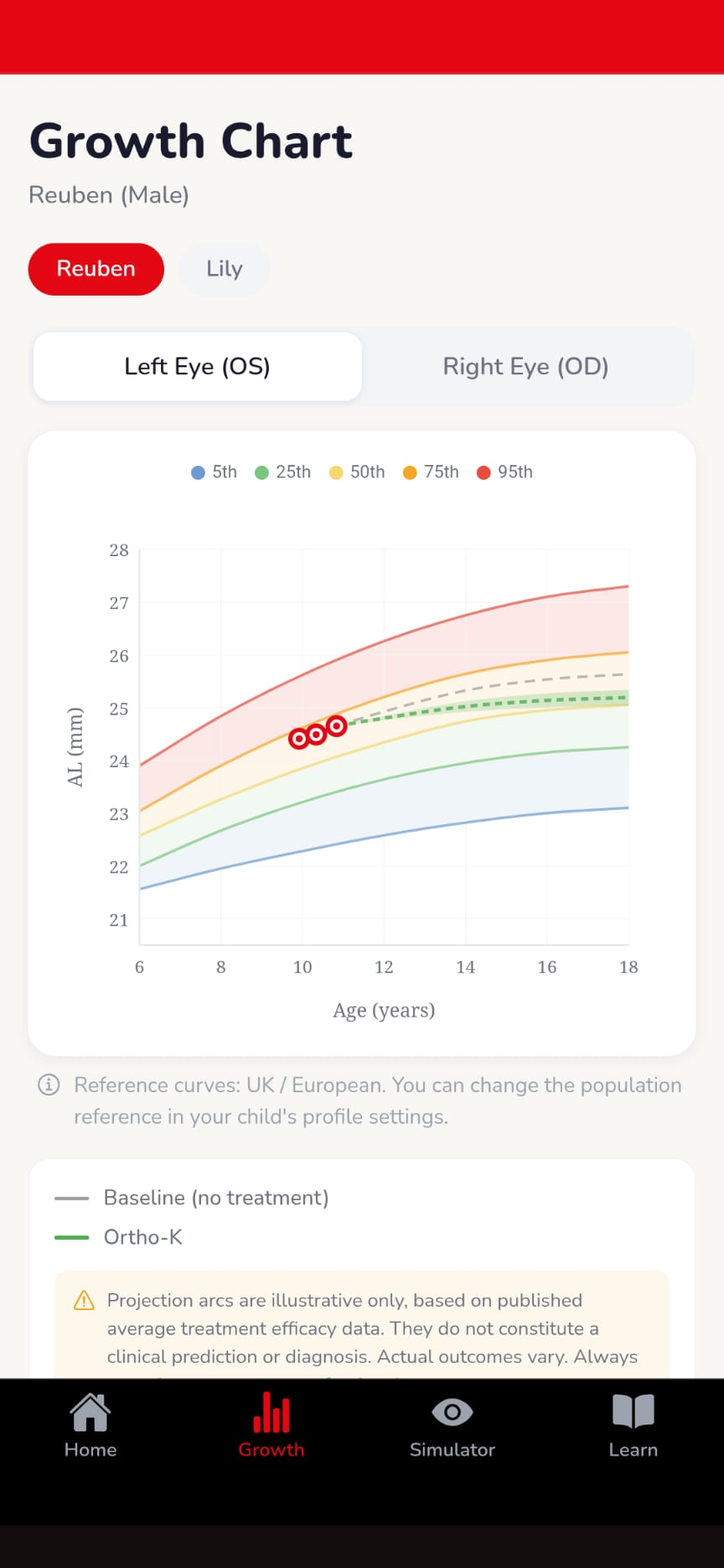
Why We Built This


"I'm a high myope. My children are myopic and on Ortho-K. I wanted to track their axial length over time to know — with data — whether their treatment was actually working. No tool existed for parents. So I built one."
Developed with Jason Higginbotham and the Myopia Focus Advisory Committee, bringing clinical rigour to every family using the app.
Read our family's story
Your child's eye growth, visualised
Every clinic measurement plotted on a personalised growth chart — compared against ethnicity-matched percentile curves so you always know where your child stands.
Track both eyes independently, log refractive error, view treatment projections, and share reports with your practitioner.
Get Started Free →Everything parents need, in one place
From first diagnosis to long-term tracking — Myopia Focus keeps you informed and connected with your child's care.
Growth Charts
Plot axial length against age-matched P5–P95 percentile curves, for both eyes, on a smooth clinical-grade SVG chart.
Easy Data Entry
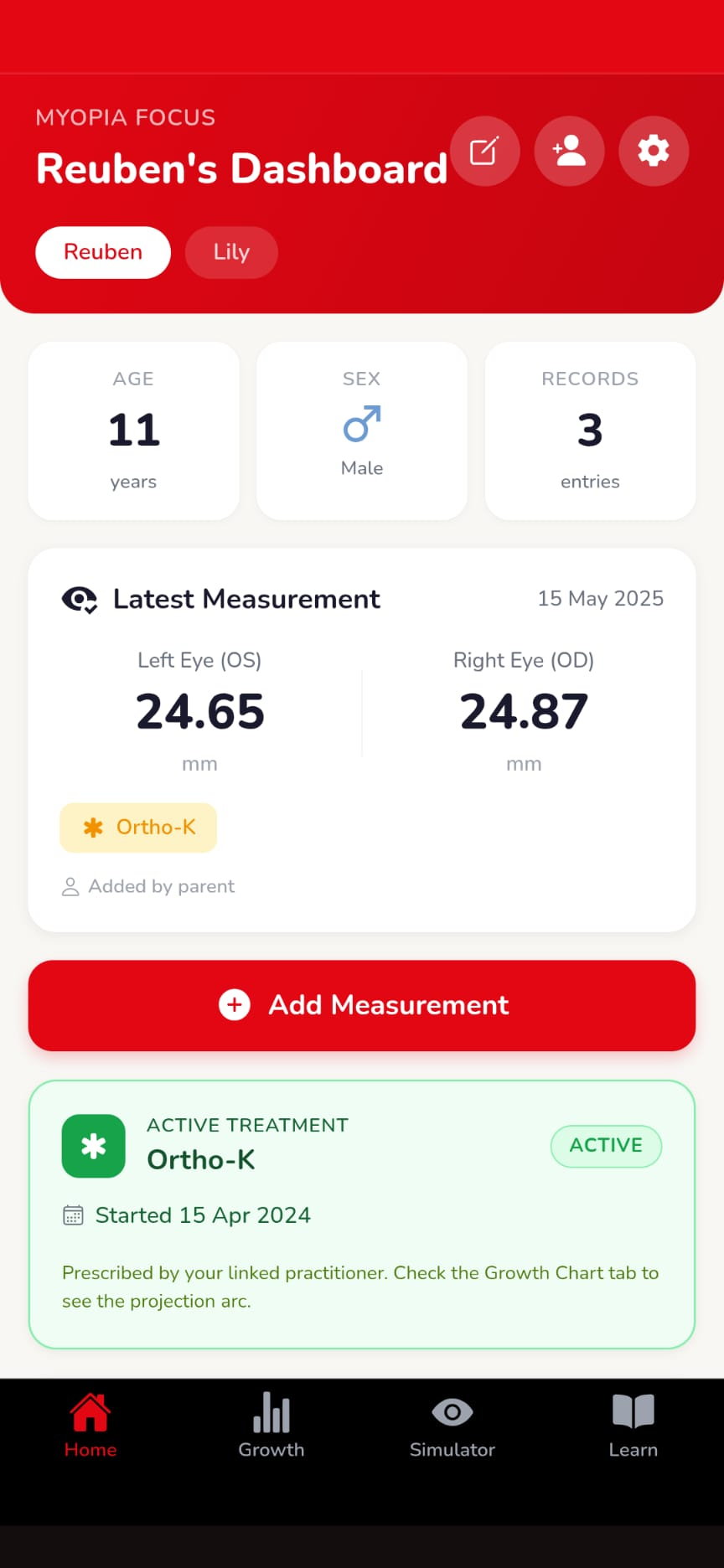
Log measurements manually or scan biometry QR codes. Track left and right eyes with refractive error included.
Vision Simulator
See what different levels of myopia look like through your child's eyes with an interactive blur simulator.
Learn Library
Evidence-based articles on treatment options, lifestyle factors, and the latest myopia research — written for parents.
Treatment Projections
Visualise how treatments like Ortho-K or atropine may slow progression with interactive efficacy bands.
Ethnicity-Matched Data
Choose from 6 population reference sets — European, East Asian, South Asian, African, Hispanic, and more.
From clinic to home in three steps
Fits into your existing routine — no complicated setup required.
Create your child's profile
Add name, date of birth, sex, and population reference. This determines which percentile curves are displayed on the growth chart.
Log measurements after each clinic visit
Enter axial length and refractive error readings directly, or scan the biometry QR code if your clinic provides one.
Watch the story unfold over time
See how your child's eye growth tracks against population percentiles and whether treatment projections are on target.
A companion dashboard built for your clinic
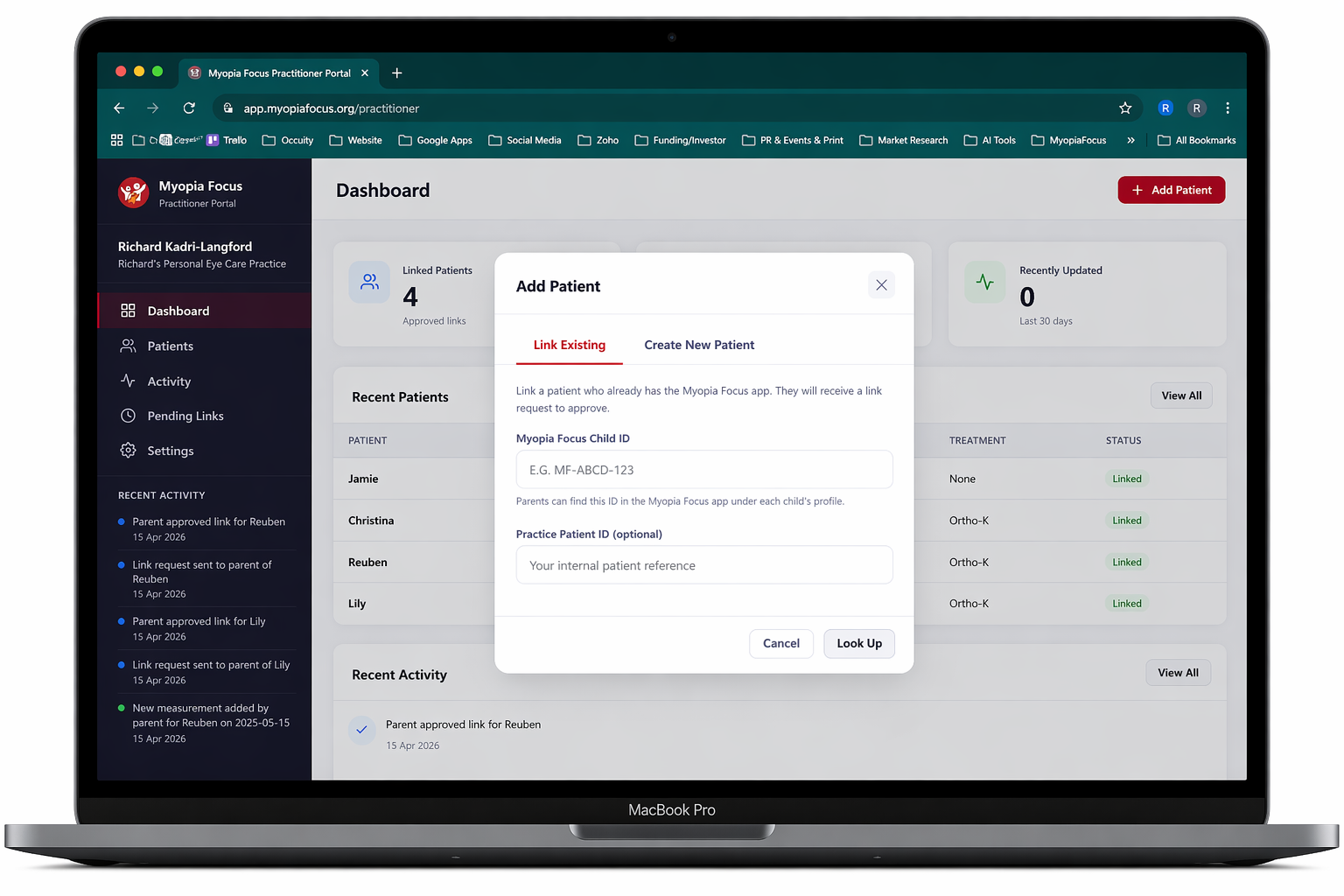
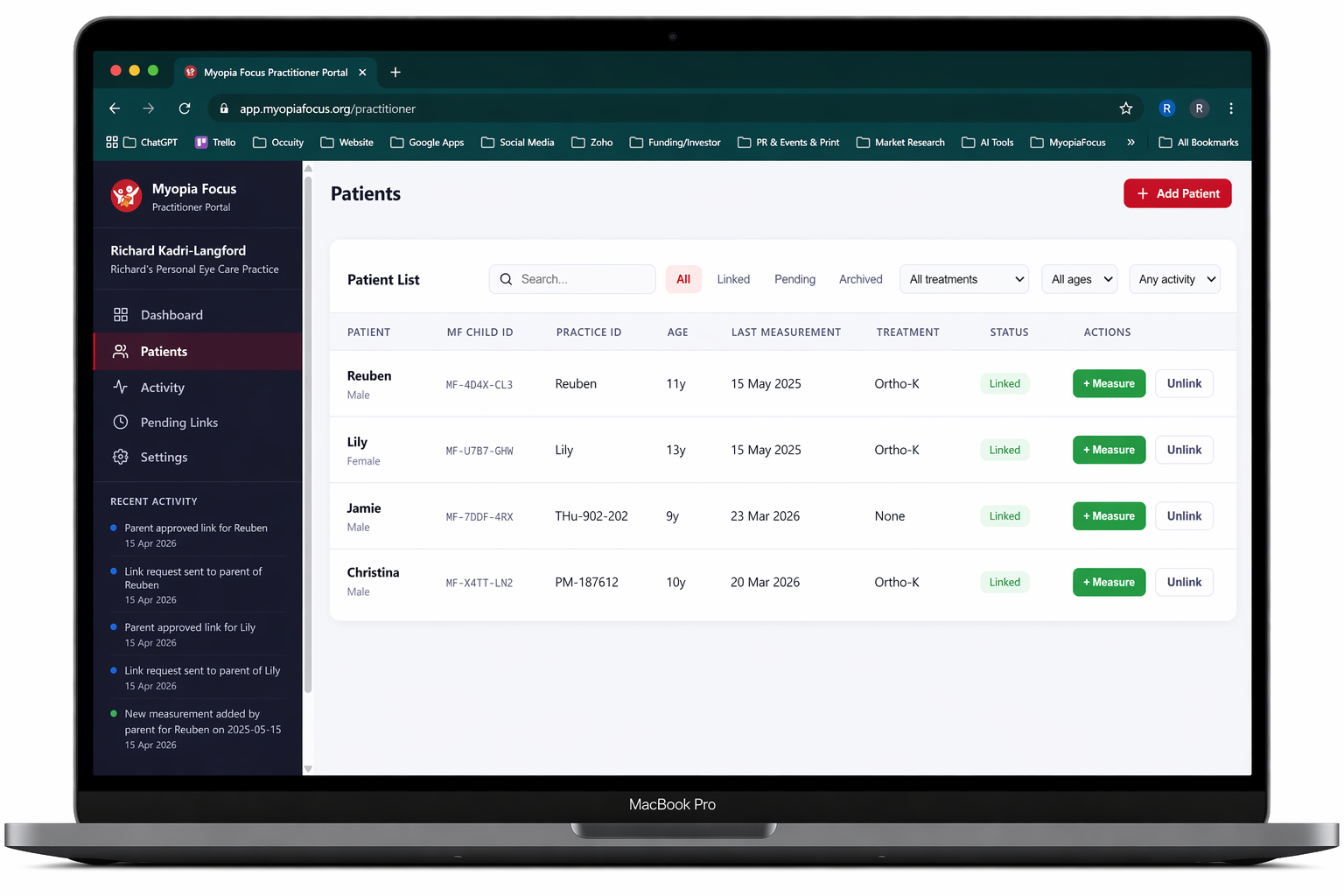
Manage linked patients, track treatment progress, add clinical notes, and monitor outcomes — from a purpose-built web portal.
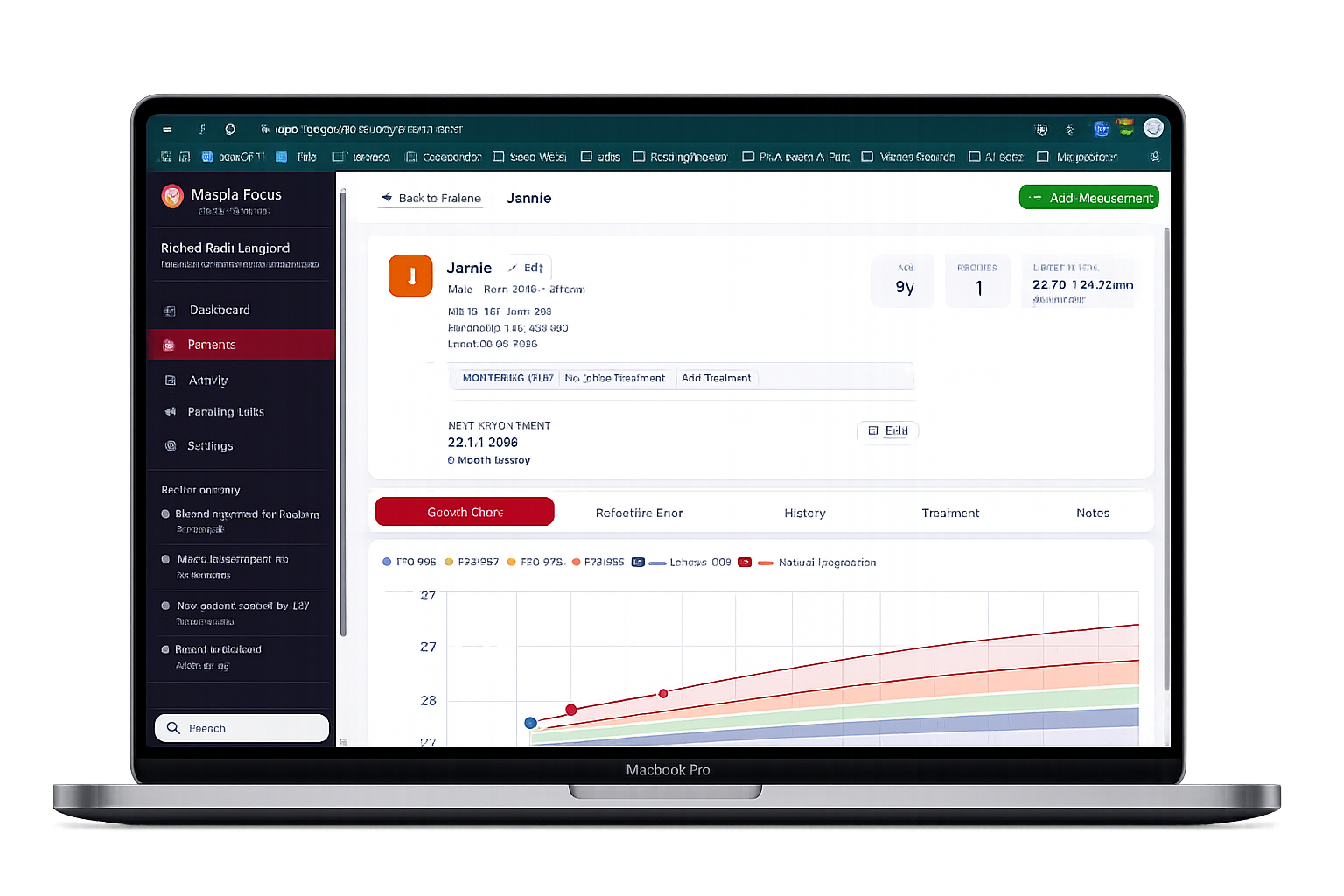
Patient Management
View all linked patients in one dashboard. Add measurements, review charts, and track progression over time.
Treatment Tracking
Record Ortho-K, MF lenses, atropine and more — with efficacy projection bands on the growth chart.
Clinical Notes & Timeline
Add private practitioner notes with a full audit trail of all edits and changes logged automatically.
Secure Patient Linking
Patients connect via a unique ID. Access is only granted when the parent approves — privacy-first by design.
Sign up or log in — it's free
Myopia Focus runs in your browser — no app store needed. Create your free account in under a minute and start tracking your child's eye health today.
New here? View the step-by-step getting started guide